 OBIVERSE
Obiverse Apps
Our apps.
One place.
Install once. Every app after that is one tap, and checked against its maker’s signature before it touches your phone.
Install once, one permissionOne tap after thatChecked every time
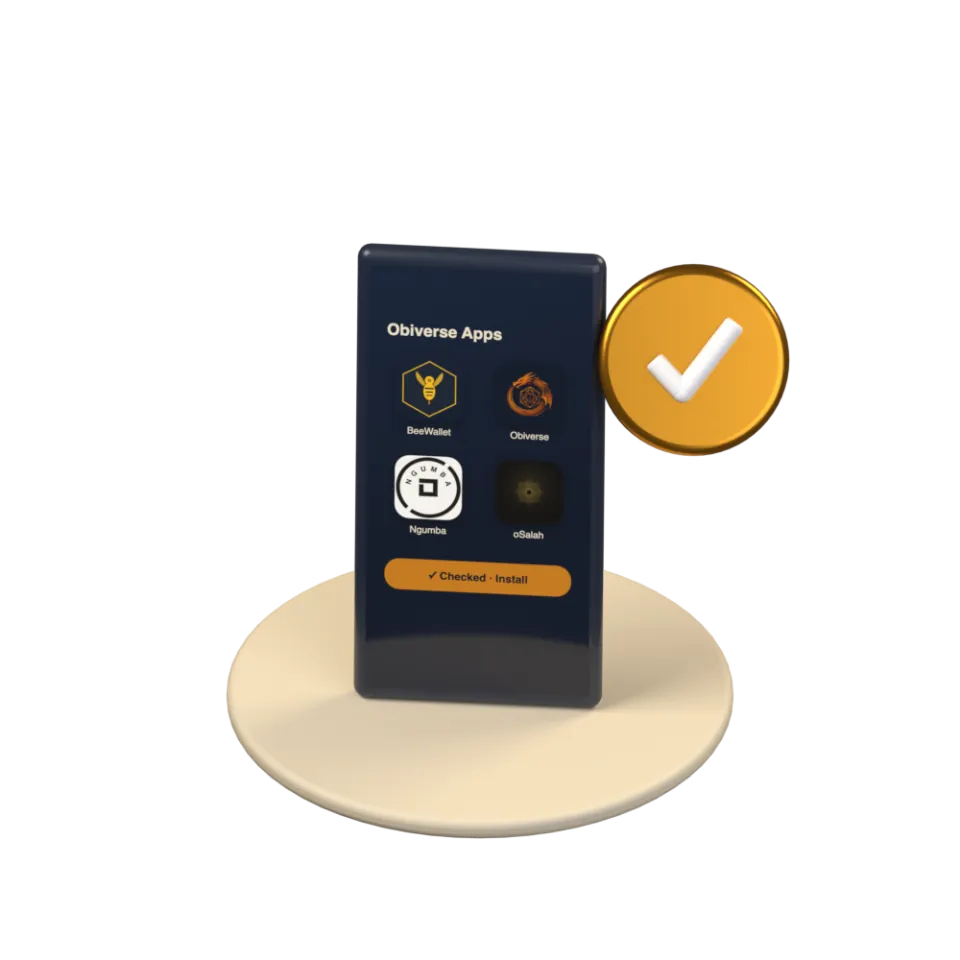
The apps
Made by us. Signed by us.




On iPhone, each app is on the App Store.
How to start
Three steps, once.
Download
Tap Get Obiverse Apps on your Android phone and open the file.
Allow, once
Android asks whether your browser may install apps. Say yes for this one file. Obiverse Apps asks the same once for itself.
Tap Get
Pick an app. It downloads, is checked, and installs. When there is an update, it says Update.
Questions
What people ask first.
Is it safe to allow installing apps?
You allow one app, Obiverse Apps, and nothing else. Before it installs anything it checks the file three ways: the list of apps is signed by us, the file must match the checksum on that list, and the app inside must be signed by its maker’s certificate. If any check fails, nothing is installed. Android then refuses any later update signed by someone else.
Why not just Google Play?
Our apps are on Google Play too, where Play allows them. Obiverse Apps works on phones without Google, for people without a Google account, and the day we ship, not the day a review finishes.
I already have one of these from Google Play.
Keep it. An app is signed by one key, and a copy from Google Play keeps updating there. Obiverse Apps sees it, says so, and leaves it alone.
Will my data survive an update?
Yes. An update installs over the app you have, so its data stays. For a wallet, keep your recovery words written down whatever happens.
Check what you install
Every file, and who signed it.
Obiverse Apps does these checks for you. To check a file by hand, its SHA-256 must match below, and the app’s signing certificate must match on every release; the free AppVerifier app shows the certificate of an installed app. The list itself is index.json, signed in index.json.sig by this key:
-----BEGIN PUBLIC KEY-----
MFkwEwYHKoZIzj0CAQYIKoZIzj0DAQcDQgAEP41X9HG0o57rUHipG0AL6hV8bE9y
tWoWA9ZNi9EeZ9hUDou+GBqhy10o1AbL+n9TvbmkYC3bUp8BZ6oi5+nqQg==
-----END PUBLIC KEY-----
Obiverse Apps 1.0.0
Signing certificate (SHA-256)d9890cebc953d0b255d824f937e4d6c1cb617df25ee9818e4398db81079d61a4
apps-1.0.0-universal.apk (every phone, 48 KB)6530aabfa6ab5405d05b91655916c46e88840c701418b98587747d972926d586
BeeWallet 1.6.0
Signing certificate (SHA-256)2cb297af5a7e36f25dc025d5fdad163d0ca9fadc773ef6346294a4a7878f7864
beewallet-1.6.0-arm64-v8a.apk (most phones, 64-bit, 61 MB)43f5f7f291795e2ad2be83ce300ecfdad4ada4c257fb0fd75eef4fb963df7cef
beewallet-1.6.0-armeabi-v7a.apk (older 32-bit phones, 49 MB)632d9a250f3095bb1dfa3b7ab9c33fd1f2ef1b3d62bc5d094b2e095de49312dd